
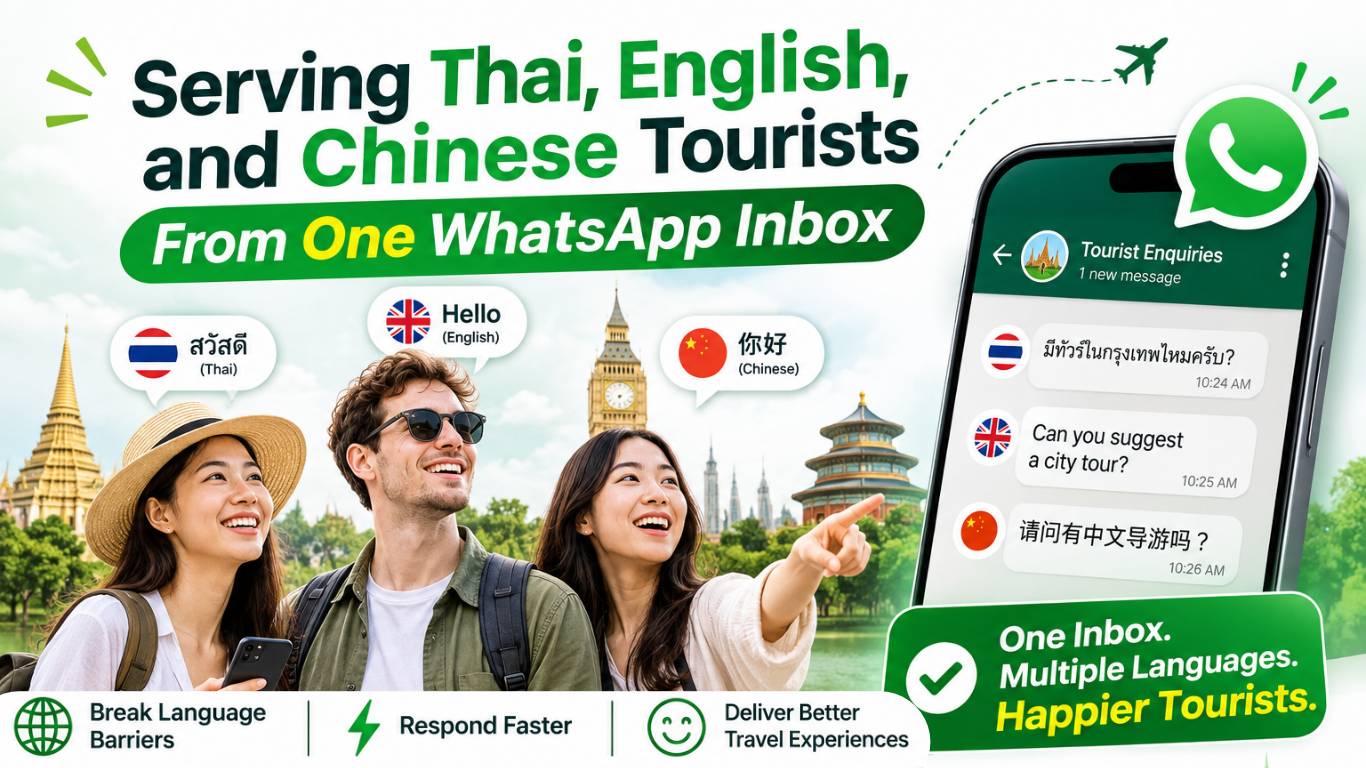
Picture a Monday morning at a boutique hotel in Bangkok. A guest from Manchester asks about early check-in. A family from Shanghai wants to know if the hotel has a baby bed. A Thai couple is asking about a weekend package. Three languages, three sets of expectations, one small team.
Many businesses in Thailand live like this every day. The good news is that you don’t need three phones or three teams. With a bit of planning, one WhatsApp inbox can handle all of it.
First, a quick reality check on apps
Before setting anything up, be honest about where your guests are chatting.
English-speaking visitors are the easiest case. WhatsApp is already their everyday app in many countries.
Thai customers mostly use LINE. Many will still message you on WhatsApp if that’s the number on your website, but expect LINE to be their first choice.
Chinese visitors often rely on WeChat, so WhatsApp won’t reach everyone. That said, many Chinese travellers, especially those living or working abroad, have WhatsApp too, and it is a handy way to reach those who do.
So the aim isn’t to force everyone into one app. It’s to give each guest an easy way to reach you, and to make sure your team can answer without a mess. WhatsApp is a strong base, and you can add other channels later.
Why one inbox beats many phones
When a business grows, the usual pattern is messy. One staff member has the English WhatsApp on their phone. Another checks the Thai chats. Somebody else handles Chinese enquiries on their own account. Soon:
Nobody knows who replied to whom
Guests get two different answers to the same question
Chats vanish when a staff member leaves or changes phones
Slow replies pile up on busy days
A shared inbox fixes this by putting every conversation in one place. Your team can see who is handling what, add notes, and pick up a chat where a colleague left off.
How to set it up, step by step
1. Use one business number
Pick one WhatsApp number for the business and put it everywhere guests look: your website, Google Business Profile, Instagram bio and booking confirmations. The WhatsApp Business API lets several team members use that same number at once, which is hard to do with the regular app.
2. Greet people in their own language
The first message sets the tone. Set up a short welcome that offers language choices, such as:
“Welcome! Reply 1 for English, 2 for ไทย, 3 for 中文.”
Once the guest picks, the chat can be tagged with that language, so the right team member sees it and the right replies are used.
3. Tag chats by language
Labels are simple but powerful. Tag each conversation as Thai, English or Chinese. Then you can:
Assign Chinese chats to the person who speaks Mandarin
See at a glance how many enquiries are waiting in each language
Spot which language brings the most bookings over time
4. Build a bank of saved replies
Most guest questions repeat: check-in time, parking, breakfast hours, pickup points, cancellation rules. Write each answer once, in all three languages, and save it as a quick reply.
A few tips:
Get a native speaker to review each translation. Machine translation can sound stiff or even wrong, especially for polite phrases in Thai and Chinese.
Keep sentences short. They translate better and read faster on a phone.
Update the bank whenever policies change, so every language stays correct.
5. Use translation as a helper, not a replacement
If your team can’t cover all three languages around the clock, a translation tool can help your staff read a message and draft a reply. Use it for simple, practical questions. For anything delicate, like complaints, refunds or medical needs, have a real speaker check the wording before sending.
6. Set clear hours and expectations
If nobody speaks Chinese after 6 pm, say so politely and tell the guest when to expect an answer. An honest message such as “We’ll reply by 9 am Thailand time” is better than silence.
Small touches that make guests feel looked after
Use their name and greet them properly. A friendly “Sawasdee ka” or "你好" shows effort, even if the rest is in simple English.
Send a pinned location with a photo of the entrance. This helps in any language and prevents lost taxis.
Use pictures and short videos to explain things that are hard to describe. Visuals cross language gaps.
Mind the time zones. Guests in Europe, China and Thailand are awake at different hours. A good set of automatic replies keeps them from feeling ignored.
Respect different habits. Some guests like quick, short answers. Others prefer a warmer, more formal tone. Watch how each guest writes and adjust.
Mistakes to avoid
Mixing languages in one reply. It confuses people. Answer in the language the guest used.
Copying a translation without checking it. One awkward sentence can make your business look careless.
Sending promotions to guests who didn’t opt in. WhatsApp expects consent, and complaints can put your number at risk.
Leaving language skills to one person. If your only Mandarin speaker is on holiday, chats stall. Train a backup or have a plan.
Forgetting that some guests prefer other apps. Offer an alternative way to reach you when it makes sense.
What to measure
Once your inbox is running, keep an eye on a few simple numbers:
How fast you reply in each language
How many chats turn into bookings
Which questions come up the most
Where chats get stuck or are handed over too often
These tell you where to add saved replies, where to hire or train, and which language deserves more attention.
Frequently asked questions
Can one WhatsApp number serve guests in different languages?
Yes. One number can serve everyone, and with a shared inbox your team can split the work by language using labels and assignments.
Do Chinese tourists use WhatsApp?
Some do, but many rely on WeChat while travelling. WhatsApp works well for those who have it, and you can add other channels later if your guests need them.
Do I need staff who speak all three languages?
It helps, but it isn’t essential. Saved replies, translation help and clear working hours can cover gaps, as long as a native speaker reviews important messages.
Can several staff use the same WhatsApp number?
With the WhatsApp Business API and a shared inbox platform, yes. This is one of the main reasons growing teams move beyond the regular app.
Final thoughts
Thailand welcomes visitors from all over the world, and each guest wants to feel understood. You don’t need a huge team to do that. You need one clear inbox, a few well-written replies in each language, and a simple way to share the work.
Start with your three most common questions, translate them carefully, and see how guests respond. If you’d like help setting up a shared WhatsApp inbox for your team, zappp can help you get started. [Book a demo]