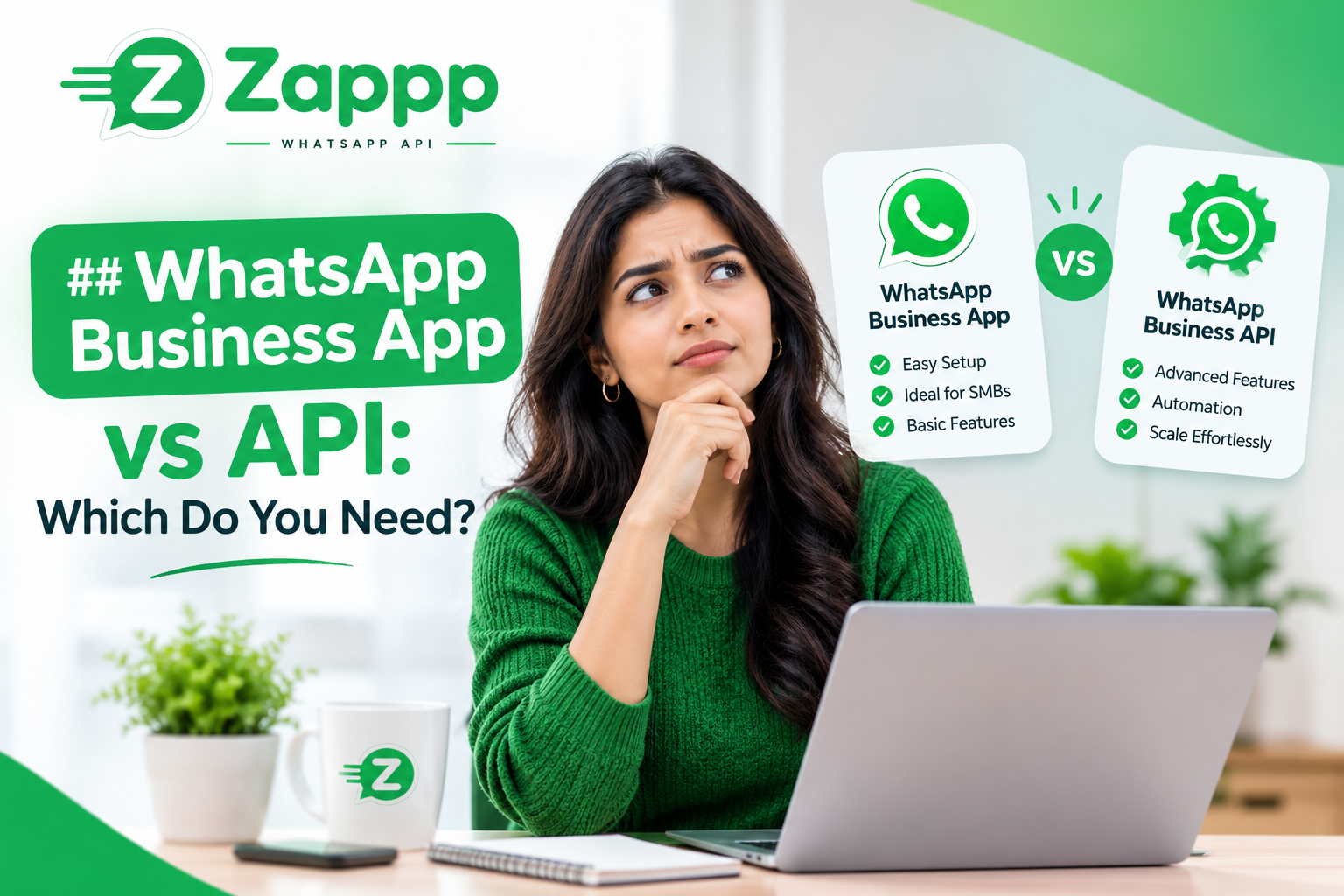
WhatsApp Business App vs API: Which Do You Need?
A lot of businesses start on WhatsApp the same way. Someone installs the WhatsApp Business app on a phone, adds a profile and a catalogue, and starts replying to customers. It works nicely for a while.
Then the messages pile up. A second person needs access. Someone goes on holiday and chats go unanswered. A customer asks the same question for the tenth time today. And you start wondering whether there’s something more than the app.
There is. It’s called the WhatsApp Business API. Here’s how the two compare, in plain English, so you can decide which one you actually need.
What the WhatsApp Business app is
The WhatsApp Business app is the free app you download to your phone. It looks and feels like normal WhatsApp, with some extras for business: a business profile, a catalogue, quick replies, labels to sort chats, and simple away and greeting messages.
It’s built for one person, or a very small team, handling a manageable number of chats.
It’s a good fit when:
You’re just starting out
One or two people answer all the messages
You get a modest number of chats each day
You mainly need a simple way to talk to customers
What the WhatsApp Business API is
The API isn’t an app you download. It’s a connection that lets software talk to WhatsApp. That software, a platform like Zappp, gives your team a proper workspace on top of it.
Because it connects to software, you can do things the app simply can’t: let a whole team share one number, automate replies, send approved campaigns to many contacts, and link WhatsApp to your other systems.
It’s a good fit when:
More than a couple of people need to answer customers
Chat volume is growing
You want automation or a chatbot
You send campaigns, reminders or order updates
You want your WhatsApp conversations connected to your CRM or other tools
The differences that matter
1. Who can use it
The app lets a small number of people log in, usually on phones or linked devices. With the API, there’s no real limit to how many team members can work on one number, and you can set roles for each.
2. How you share the work
In the app, it’s easy to double-reply or let a chat slip through. A shared inbox, like the one in Zappp, lets you assign chats to teammates, leave internal notes and see who’s already replying, so customers get one clear answer.
3. Automation
The app can send a greeting or an away message. That’s about it. With the API you can add an AI chatbot to answer common questions, qualify leads and pass the chat to a person when things get tricky.
4. Sending to many people
In the app, broadcasts are limited and manual. With the API you can send approved template messages to large groups, personalise them with names and details, segment your audience and track what happens next. Templates need approval from WhatsApp, and good platforms guide you through that.
5. Connecting to other tools
The app mostly stands alone. The API can talk to your other systems through webhooks and developer tools, so an order shipping, a form being filled in, or a new lead arriving can trigger a WhatsApp message automatically.
6. Keeping track of customers
The app gives you labels. A platform on the API can add a CRM view, with a timeline for each contact, pipelines and lead scoring, so nothing gets lost in a long chat list.
7. Reporting
The app offers basic stats. With an API platform, you can see delivery, open and reply rates, so you know what’s working.
A quick side-by-side
Signs it’s time to move to the API
You don’t need to switch just because the API exists. But if any of these sound familiar, it’s worth a look:
You’re answering messages from three people’s phones
Customers sometimes get two different replies
Chats go quiet when someone is off sick or on leave
You spend hours typing the same answers
You want to send updates or promotions to hundreds of people
You can’t tell which leads turn into sales
You’d like WhatsApp to talk to your website, CRM or order system
If two or three of those are true, the app has probably done its job and it’s time to grow.
Things to know before you switch
Your number. If you want to use a number on the API that’s currently on the Business app, there’s a process for moving it. Plan this carefully so you don’t lose your chat history without meaning to.
Approved templates. Messages you start with customers after a while generally need pre-approved templates. That’s a good thing for quality, but it’s different from typing freely.
Permission to send. Customers should opt in to hear from you. Keep records, and make it easy for them to stop.
A platform helps. The API on its own is just plumbing. You’ll want a platform on top, with an inbox, templates, automation and reporting, so your team can use it without writing code.
Common questions
Is the WhatsApp Business API free?
The app is free to download. The API is accessed through a provider, and costs depend on the provider and how you use it. Check each platform’s page for details.
Can I use both at the same time?
Usually, a number is either on the app or on the API, not both in the same way. Some setups allow limited co-existence, so check the details when you plan your move.
Do I need a developer?
Not necessarily. Platforms like Zappp are built so non-technical teams can use the inbox, templates and chatbot. Developers can use the API and webhooks if you want custom builds.
Will my customers notice a difference?
Mostly they’ll notice faster replies and more consistent service. A chat still feels like a chat.
Is the API only for big companies?
No. Plenty of small businesses use it once they have more than one person answering, or want automation. It’s about how you work, not how big you are.
So, which one do you need?
If you’re a one-person shop with a handful of chats a day, the WhatsApp Business app is probably all you need. Enjoy the simplicity.
If you have a team, a growing number of customers, or plans to automate, send campaigns or connect WhatsApp to the rest of your business, the API is where you’ll want to be.
Not sure which side of the line you’re on? Try Zappp free and see how the shared inbox, chatbot and CRM work for your team, or book a demo and we’ll walk you through it.