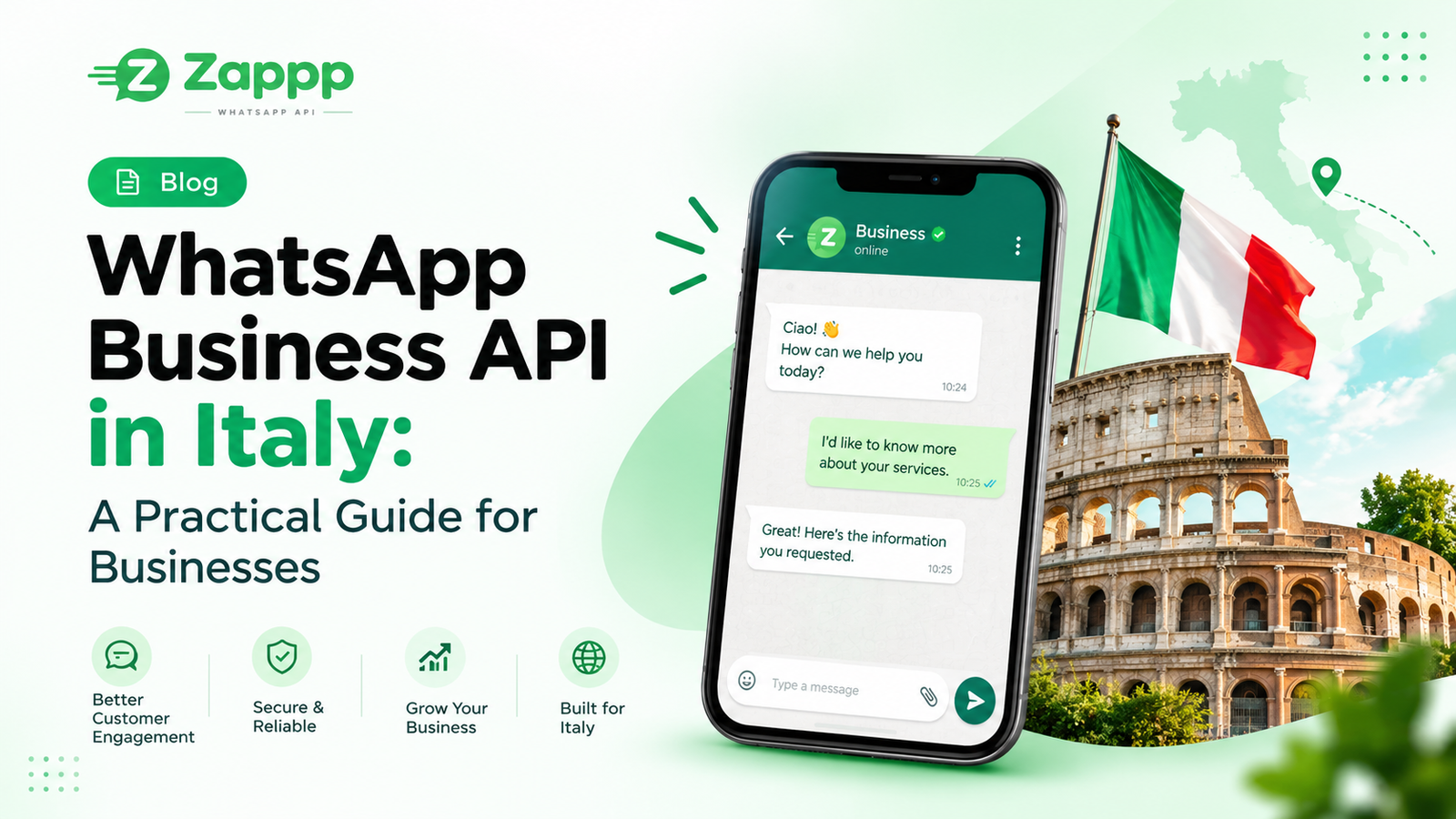
WhatsApp Business API in Italy: A Practical Guide for Businesses
Think about the last time you messaged a business in Italy. Chances are, you did it on WhatsApp. A 2022 eMarketer estimate put WhatsApp use at about 97% of messaging app users in Italy, so for most businesses, the customers are already there.
The trouble starts when the messages pile up. One person can’t keep up with the phone, a colleague answers the same customer twice, and a booking request gets buried under twenty others. That’s usually when businesses start asking about the WhatsApp Business API.
So what is it?
It’s the version of WhatsApp built for companies that handle a lot of conversations. The free WhatsApp Business app lives on your phone. The API doesn’t have an app of its own. Instead, it connects to a platform, and your whole team uses that platform to read and answer chats.
That one change unlocks a lot. Several people can reply from the same number. You can set up automatic answers for common questions, even at 2am. You can connect WhatsApp to your CRM, so every enquiry is saved instead of lost in a chat.
One rule to know early: when a customer messages you, you can reply freely for 24 hours. After that, you can only start the conversation again with a pre-approved message template, like a booking reminder or an order update.
Do you actually need it?
Not everyone does. If you’re a small shop or a freelancer with a handful of chats a day, the free app is fine. Start thinking about the API if:
- messages are getting missed
- more than one person needs to answer customers
- you want a chatbot to handle the repetitive questions
- you want to send reminders or confirmations automatically
If two or three of these sound familiar, it’s worth a look.
What you need to get started
Less than you might think:
- a Meta Business account, which Meta will verify using your company details such as your registered name and VAT number
- a phone number that isn’t already used on another WhatsApp account
- a website or social page for your business
- a platform connected to the API, which is the tool your team will use every day
Setup is usually smoother if you pick one goal first, like handling bookings or answering product questions, and build around that. Once the number is connected and your business profile is filled in, you write your first templates (in Italian, if that’s your customers’ language) and set up a few automatic replies. Then test it with a colleague before real customers get involved.
Privacy and consent in Italy
This is the part people skip, and it’s the part that can cause problems later.
In Italy, the GDPR applies, and so do Meta’s own rules. Both say the same thing: you need clear permission before sending promotional messages. A few things to keep in mind:
- Consent for email doesn’t count for WhatsApp. The customer has to agree to WhatsApp messages specifically.
- No pre-ticked boxes. The customer has to choose.
- Tell people what they’ll receive and how often.
- If someone says stop, stop immediately.
- Keep a record of when and how you got the consent.
Here’s a simple example. A customer messages your restaurant to book a table. You can absolutely reply about the booking. But that doesn’t give you permission to add them to your weekly offers list. They need to say yes to that separately.
This is general information, not legal advice. For anything specific, talk to a professional.
How Italian businesses use it
Restaurants and hotels use it for bookings and guest questions. Clinics and beauty centres send appointment reminders, which helps with no-shows. Online shops send order and shipping updates. Estate agents handle viewing requests. And plenty of small service businesses simply use it to collect a customer’s details before a person takes over.
Mistakes that cause trouble
The most common one is sending promotions to people who never agreed to them. Close behind: writing templates that read like adverts (Meta often rejects them), letting a bot handle everything with no way to reach a real person, and sending so many messages that customers block you. Do any of these and your number’s quality rating can drop, which limits what you can send.
Frequently asked questions
Do I need a developer?
No. With a ready-made platform, you can set up templates, replies and chats without writing code.
Can I use my existing WhatsApp Business app number?
It depends on the platform. The simplest route is a dedicated number.
How long does setup take?
Mostly it depends on how quickly you can provide your company documents. If you have them ready, it’s much faster.
Can I message customers in Italian?
Yes. Templates and replies can be written in Italian or any other language your customers use.
Is it only for big companies?
Not at all. Plenty of small businesses use it once the free app gets hard to manage.
Final thoughts
You don’t need the API on day one. But when the chats start piling up, it saves you time and keeps customers from slipping away. Get the consent part right, start with one clear goal, and build from there.
If you’d like to see how it works for your business, you can try Zappp and set it up step by step.